
It asks before it acts
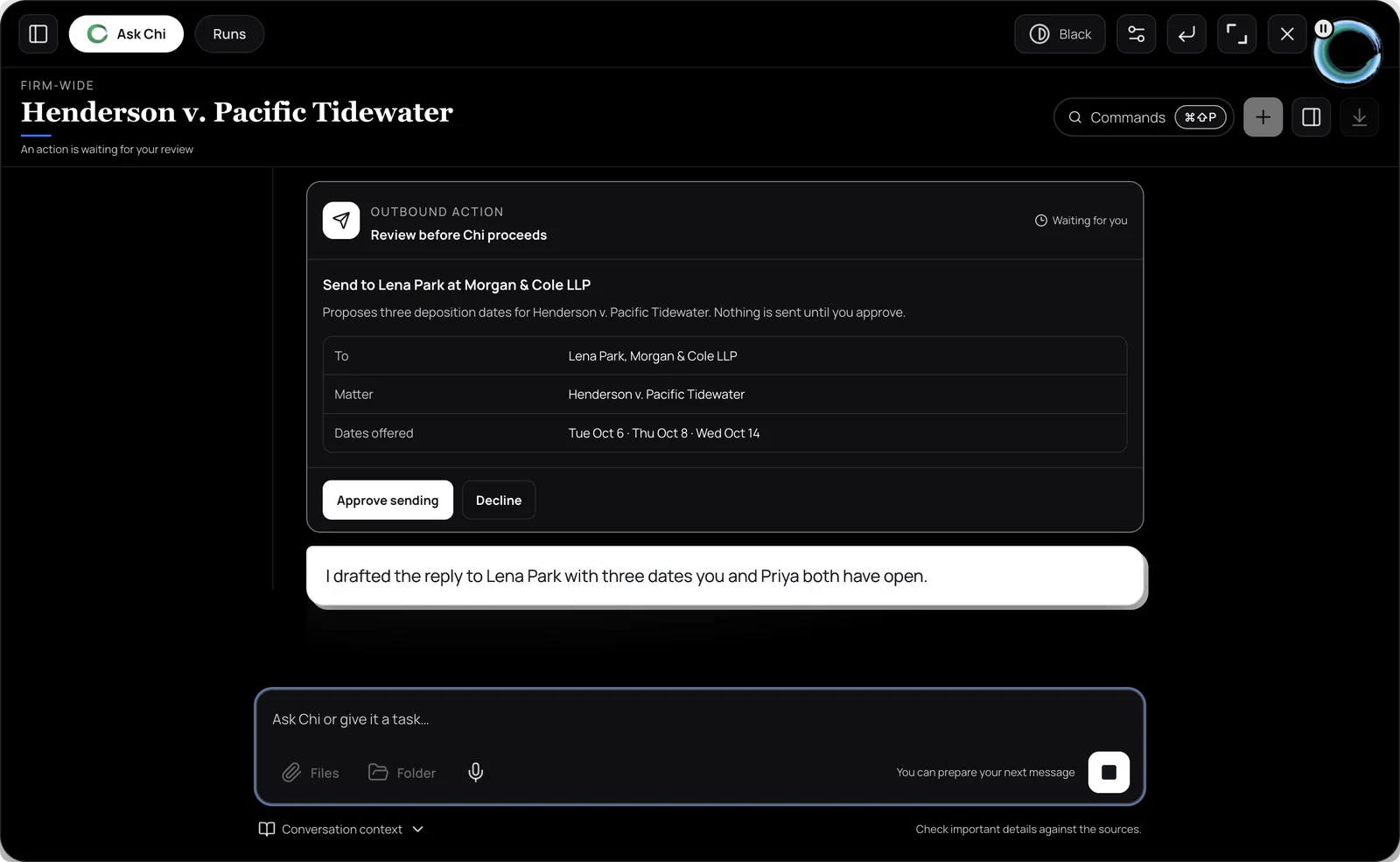
Chi drafts, finds and does the work from your firm's own data, under the permissions of the person asking. Anything that leaves the firm, deletes or changes records in bulk waits for your OK first.
Dana, confirming we are moving the Cole deposition to March 14 at 10:00, same location. An amended notice follows this message.
Your data only
Chi answers from what your firm holds, not from the open internet, and never from another firm.
Your permissions
It sees exactly what the person asking can see. Ethical screens apply to Chi as they apply to people.
Sources on everything
Answers cite the documents and records they came from, so you can check before you rely on them.
A gate on consequences
Sending outside the firm, deleting, or bulk changes stop at a confirmation step. Always.
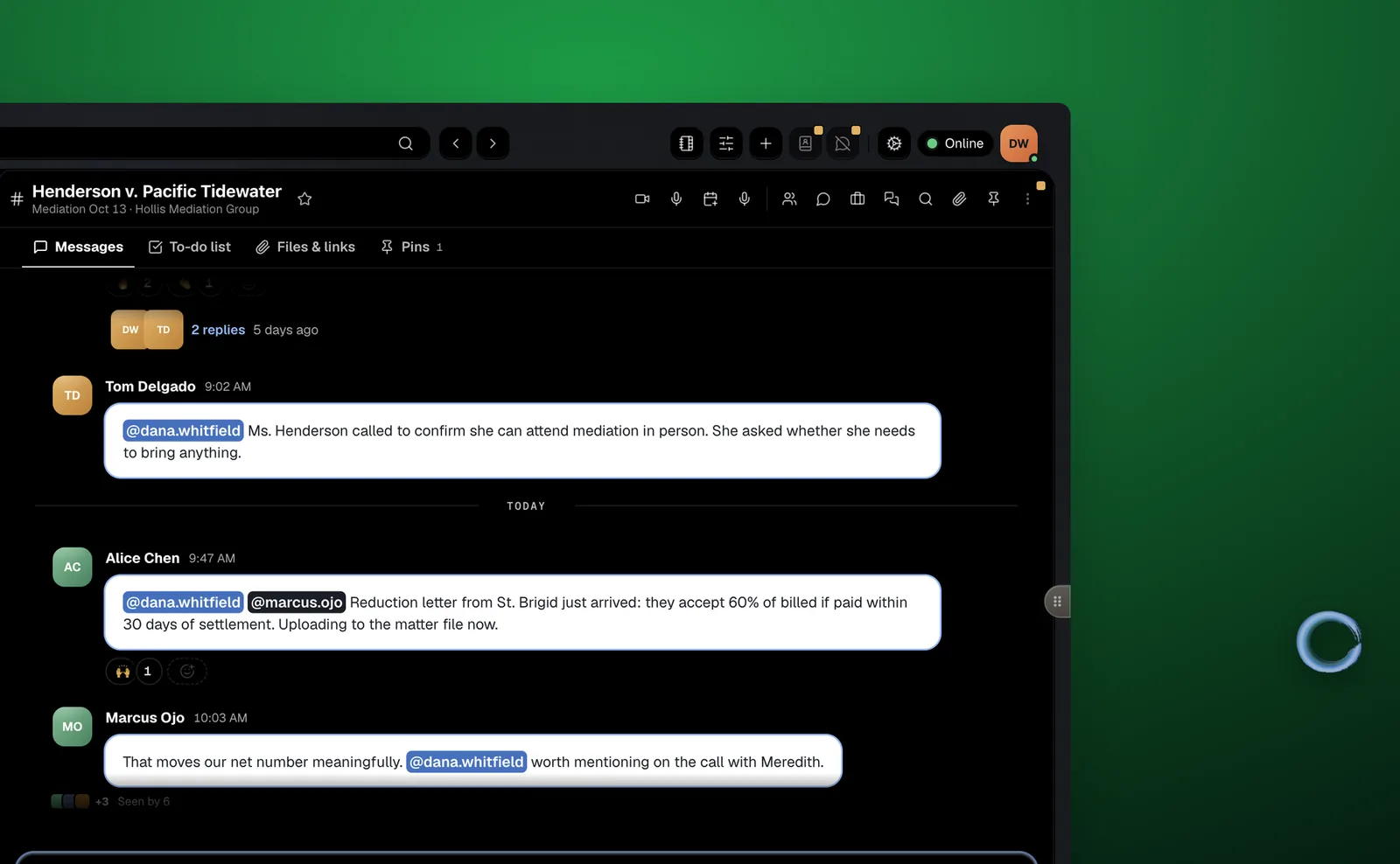
A small orb that stays on top of whatever you are working in
Click it and it opens into a full panel: ask a question about a matter, pull a date out of a filing, draft a reply. Close it and it goes back to being an orb.
- Ask
- "When is the Cole deposition?" answered from the notice, with a link to it.
- Draft
- A reply, a letter, a summary. Edit it, then share it with a colleague or in a DM.
- Do
- File a conversation, open a card, draft a time entry. Confirmed by you first.
Chi is included in every workspace
Free for firms of up to 8 people. A solo practice is a firm of one.