
The workspace

Built for a law firm, not adapted to one

Conversations, matters, boards and an assistant in one place. Every sign-up gets a workspace for the firm, and it works with no case system connected.

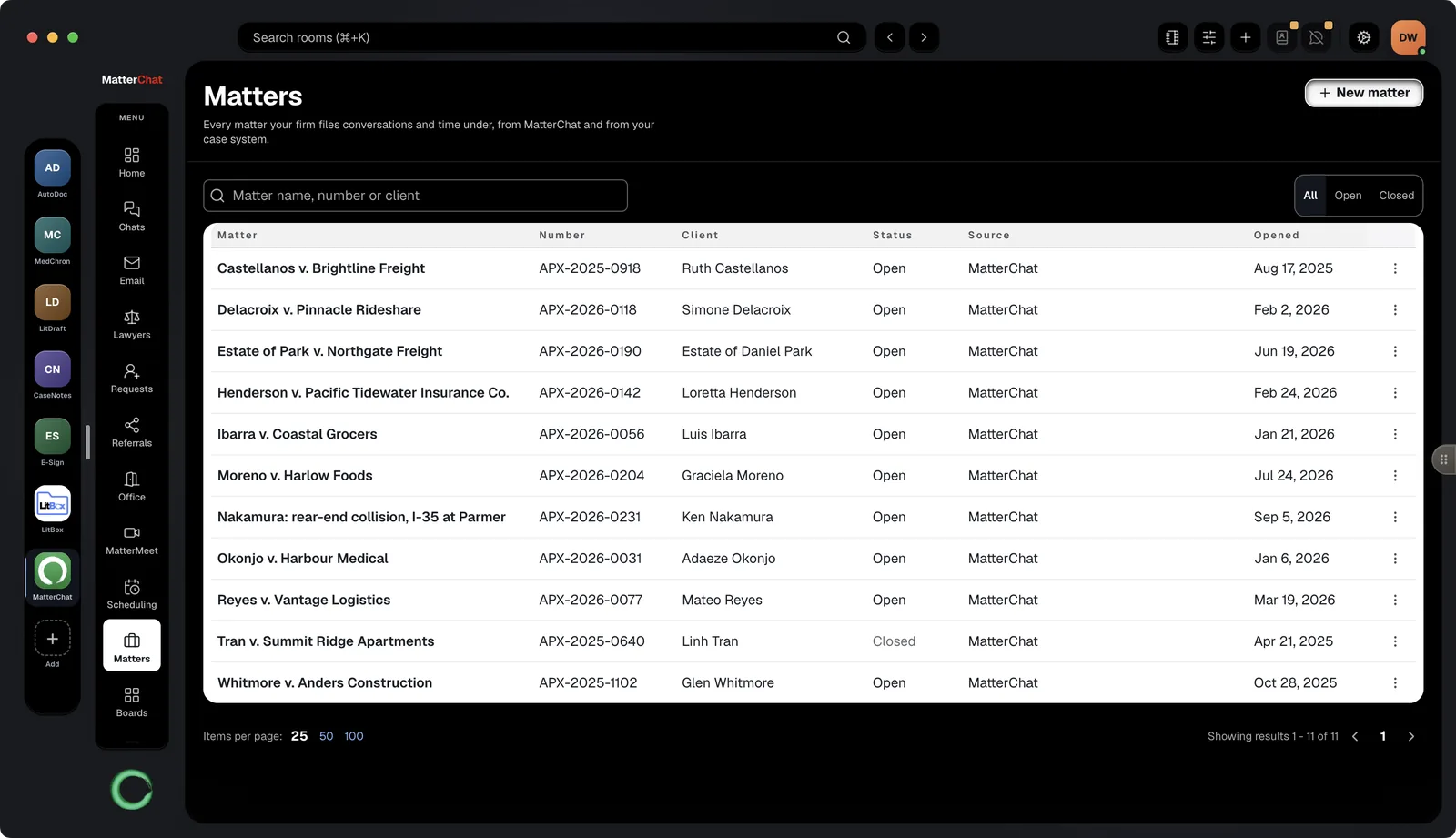
MatterChat desktop app: the Matters list — matter name, number, client, status, source and opened date — with a New matter button
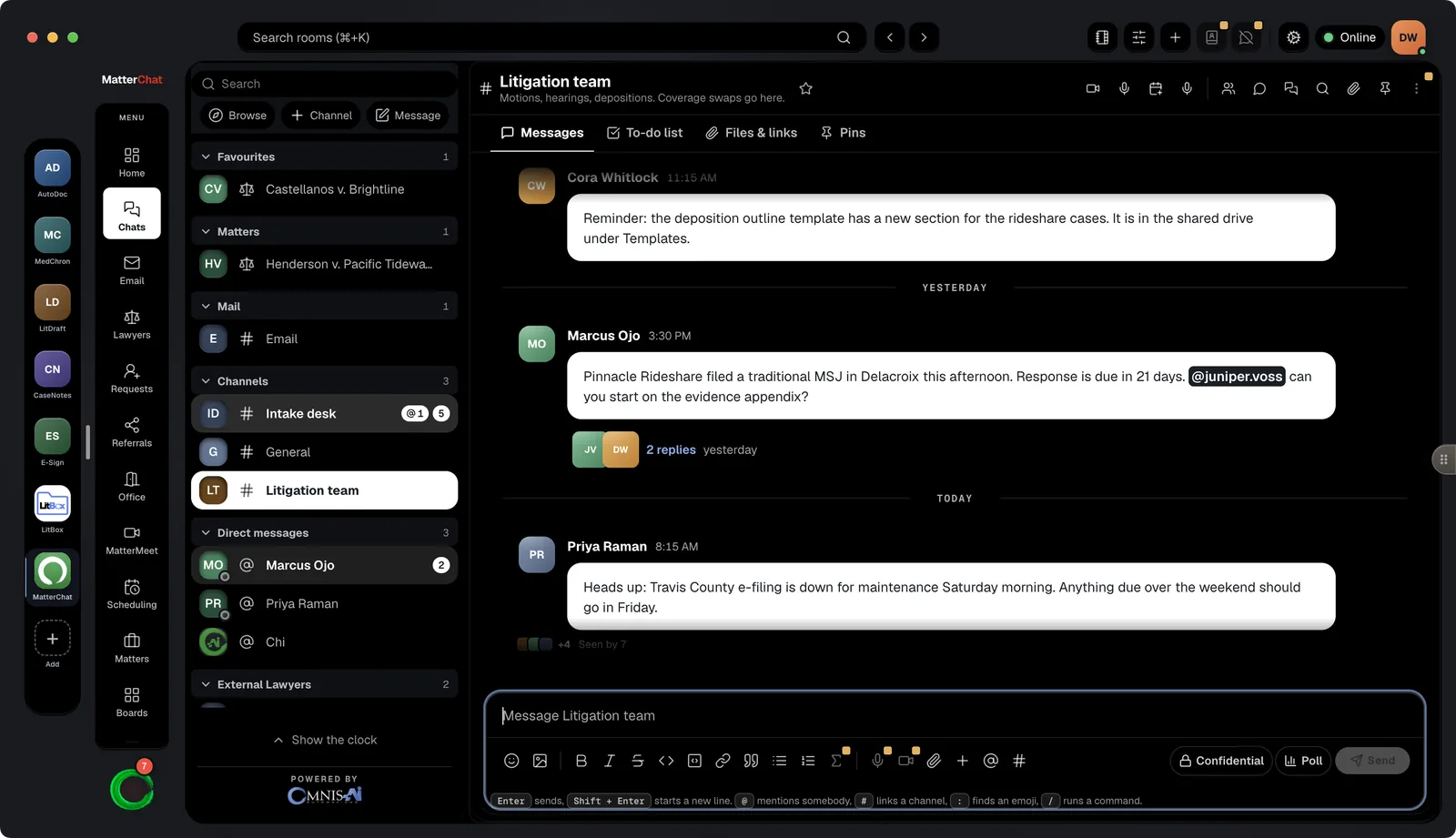
MatterChat desktop app: the Litigation team channel with Messages, To-do list, Files & links and Pins tabs, a threaded reply and the message composer
Conversations

Channels, DMs and threads, scoped to the matter

Talk about a matter where the matter lives. Search stays inside it, so a name or a date finds the right message the first time.

  • Channels, direct messages, threads and search
  • Ethical walls, legal hold, retention and room export
  • Cross-firm conversations sit alongside, with their own rules
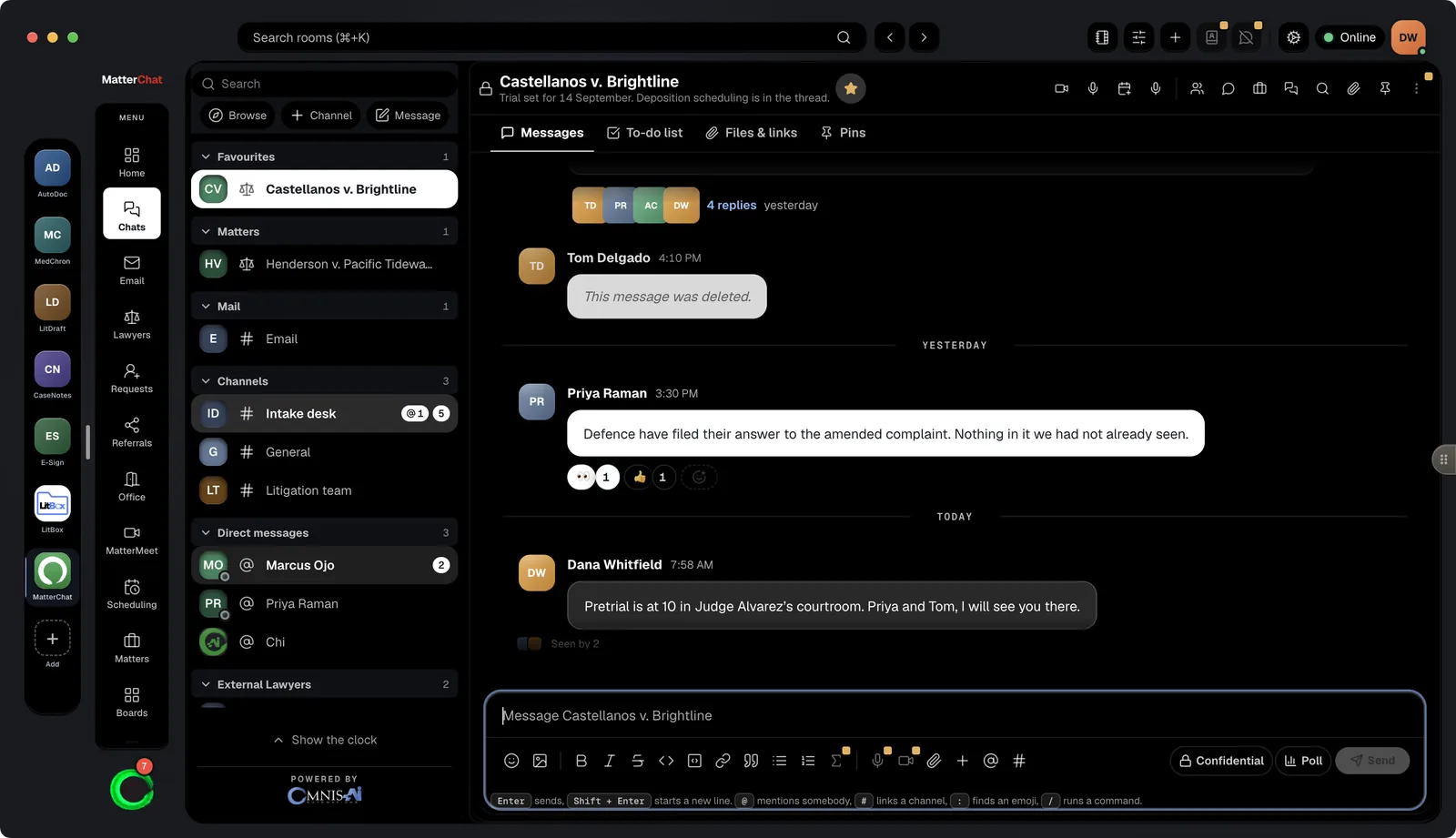
MatterChat desktop app: the Castellanos v. Brightline matter room with its conversation, thread replies and reactions
Matters and time capture

File it under the matter. Time drafts itself.

Create, edit, close and reopen matters and link them to channels, with no case system connected. Turn on time capture and MatterChat drafts billable entries from messages for your people to approve or discard.

  • A matter list that stands alone, or CasePro as a source
  • Drafted time reviewed in the iPhone app
  • Nothing already filed is renumbered
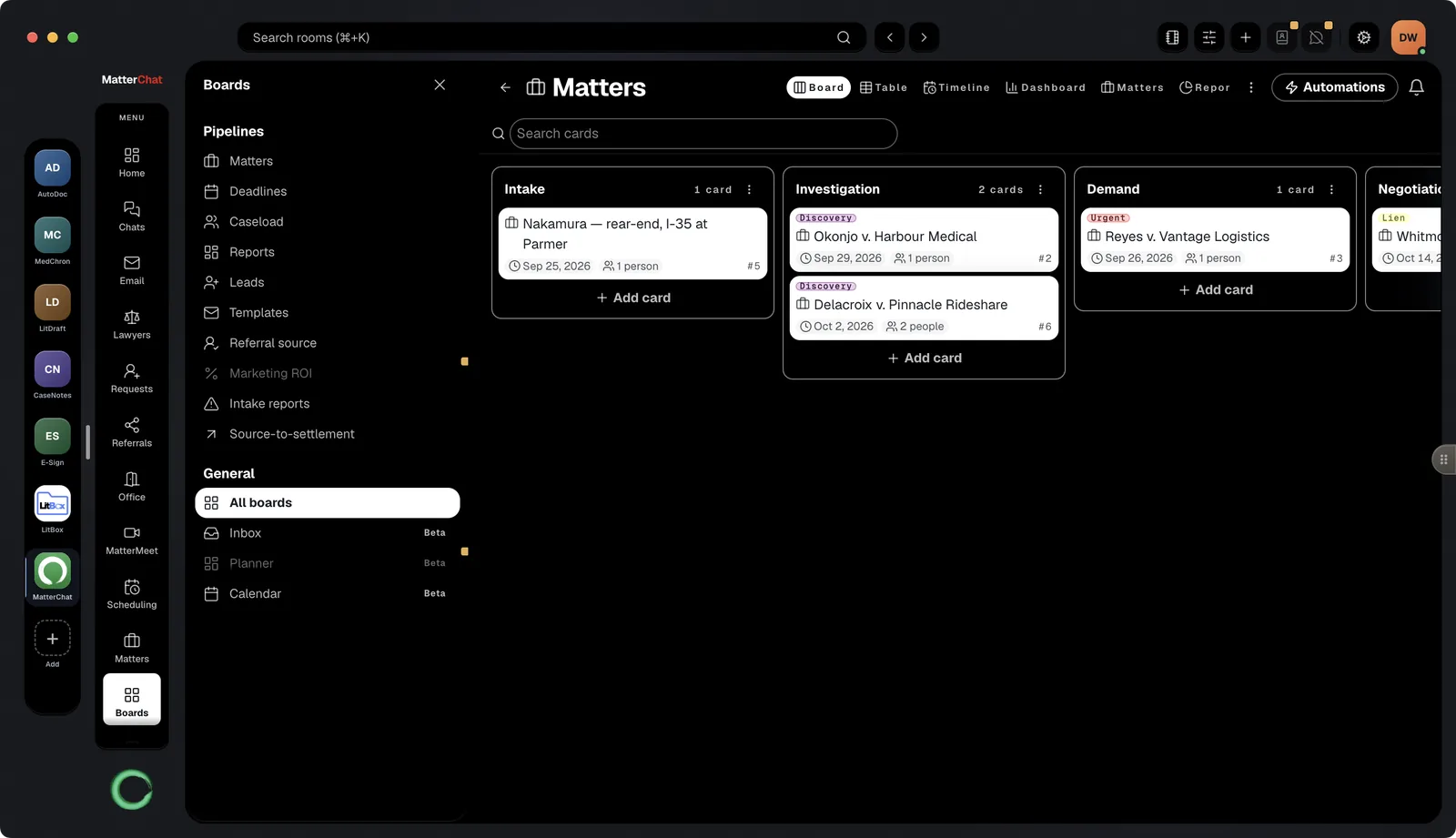
MatterChat desktop app: the Matters board with cards grouped by stage — Intake, Investigation, Demand, Negotiation — and the Automations button
Boards

Track the work next to the talk about it

Boards, intake forms and automations, next to the conversations that move the work.

  • Leads and matters boards
  • Intake forms feed the pipeline
  • Automations move cards between stages
Case systems

Bring the case system you run. Or run on none.

MatterChat has its own matter list, complete on its own. If your firm runs on CasePro, we set up that connection with you. Connectors for Clio, MyCase and Litify, and for Dropbox, Box, OneDrive and Google Drive, are built and in beta.

Case system · set up with us CasePro
Case system · beta Clio
Case system · beta MyCase
Case system · beta Litify
Cloud drive · beta Dropbox · Box
Cloud drive · beta OneDrive · Google Drive

A workspace for the firm, in a minute

Free for firms of up to 8 people. No case system required.